
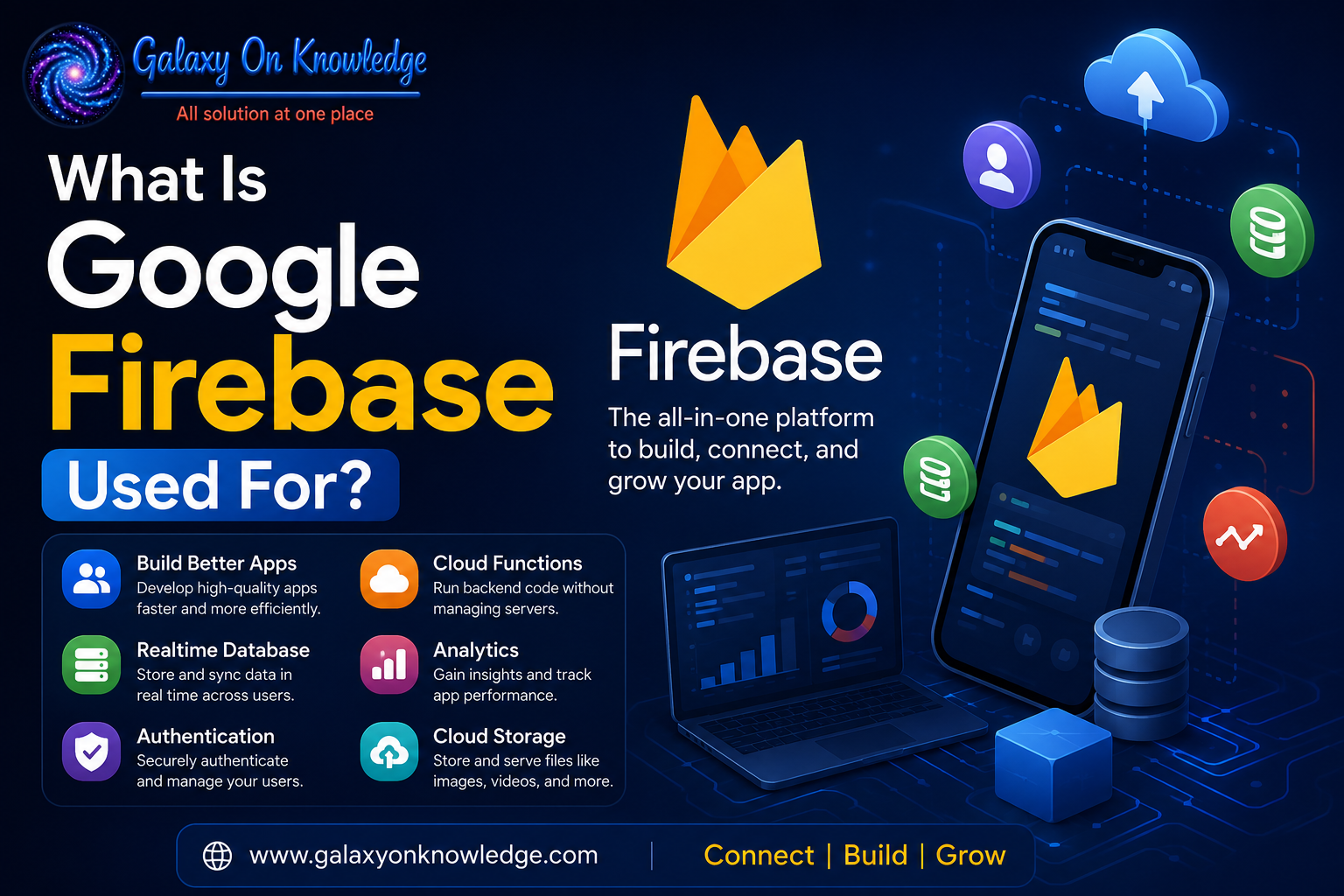
What Is Google Firebase Used For in App Development?
A mobile app can look finished long before its hard problems appear: account sign-in, shared data, image uploads, crash reports, and the server work behind every tap. Google Firebase is Google's backend-as-a-service platform for building, running, and improving web and mobile apps.
It handles common backend jobs such as identity, databases, file storage, hosting, notifications, analytics, and serverless code. Firebase isn't one database or a complete app builder. It is a set of connected services, with strengths and limits that matter after an app moves beyond a first prototype.
What Is Firebase, and What Is the Purpose of Google Firebase?
Firebase is a collection of cloud services that removes much of the setup required for an app backend. Google acquired Firebase in 2014 and expanded it into a product family connected to Google Cloud.
In a traditional setup, a team might build servers, configure databases, write login systems, deploy APIs, and monitor failures separately. Firebase provides SDKs, APIs, and a web console for many of those tasks. It supports Android, iOS, web, Flutter, Unity, C++, and other development environments.

The purpose of Google Firebase is to let developers focus more on product behavior and less on maintaining basic infrastructure. Many services scale automatically, while Firebase Security Rules control access to data and files.
Still, Firebase doesn't remove the need for careful engineering. Teams must design permissions, model data well, test failure cases, and watch usage costs. Firebase handles infrastructure, not every architectural decision. Google's separate AI development products also have a different role, as explained in this overview of Firebase Studio for AI-assisted development.
Is Google Firebase a Database?
Google Firebase includes databases, but Firebase itself is much broader than a database. Firebase Realtime Database is a JSON-based NoSQL database built for rapid synchronization between connected devices. Cloud Firestore is also a NoSQL database, but it uses documents and collections, supports richer queries, and can use multi-region replication.
The platform also includes Authentication, Hosting, Cloud Storage, Cloud Functions, Analytics, and Crashlytics. The right database depends on data shape, query patterns, expected traffic, offline needs, and budget.
What Can You Do With Firebase Across an App's Lifecycle?
Firebase can support an app before launch and after it reaches real users. Its services often connect in a practical chain: a person signs in, creates data, uploads a file, receives a notification, and generates usage data for the product team.
Build Core Features With Authentication, Databases, Storage, and Hosting
Firebase Authentication supports email and password accounts, phone-number login, and identity providers such as Google, Apple, and Facebook. That saves teams from building password handling and account recovery from scratch.
A chat app might store messages in Firestore or Realtime Database, then synchronize new posts across phones. Both services can preserve data locally for offline use, so the app can remain useful when a connection drops.
Cloud Storage holds images, video, audio, and documents. An online store, for example, can store product images there while Firestore keeps product details, inventory fields, and order records. Firebase Hosting delivers web apps over SSL through a global content delivery network.
Cloud Functions runs event-driven backend code without a team managing servers. A function can resize an uploaded photo, validate a payment event, or send an order receipt after a database update. A Unity game can use the same pattern for player data, scoreboards, and timed notifications.
Improve Quality, Engagement, and App Growth
Launching an app is only the start of operational work. Crashlytics reports crashes and helps identify the code paths behind them. Performance Monitoring tracks issues such as slow screen loads and delayed network requests, while Test Lab checks Android apps across devices and network conditions.
Google Analytics records how people use an app. Firebase Cloud Messaging sends push notifications for a delivery update, a news alert, or a reminder. Remote Config lets a team change selected app behavior without requiring every user to install a new release.
A/B Testing and in-app messaging add a measurement layer to those changes. A collaborative dashboard, for instance, can test a revised onboarding flow and compare whether new users complete their first shared project.
Firebase's post-launch tools matter because a stable app still needs evidence about performance, retention, and feature use.
What Are the Benefits of Using Firebase, and What Are the Tradeoffs?
The main benefits of using Firebase are speed and integration. Authentication, security rules, real-time synchronization, offline support, hosting, monitoring, and messaging sit within one console and SDK family. Firebase also connects naturally with Google Cloud services when an app needs more control.
That convenience has costs. Firebase databases use NoSQL models, which can be awkward for complex relational data and reporting-heavy workloads. Bills can rise with database reads and writes, storage, bandwidth, and function use. Cost planning must happen before traffic grows.
Applications can also become closely tied to Google's services and data patterns. That vendor lock-in may complicate a later migration. Debugging distributed services can be difficult, and weak security rules can expose data despite Firebase's built-in controls.
Firebase often fits prototypes, startups, real-time products, mobile apps, and small teams. Large systems with strict relational requirements or deep infrastructure needs may require Google Cloud services, a custom backend, or another database.
How Firebase Studio Fits Into the Newer Google Firebase Ecosystem
Questions about what Google Firebase Studio is and how it works often blur two related products. Firebase Studio is a cloud-based development environment for building full-stack and AI-enabled applications. It can bring frontend work, APIs, backends, and Google's AI services into one development workspace.
Firebase remains the platform that provides services such as authentication, databases, hosting, storage, and monitoring. Studio doesn't remove the need for coding, testing, security review, or sound architecture.
Final Thoughts
Google Firebase is used for the backend services and operational tools that web and mobile apps need: identity, data, storage, hosting, serverless logic, messaging, analytics, and quality monitoring. Its appeal comes from bringing those pieces into a shared workflow.
Its NoSQL approach, usage-based pricing, and dependence on Google's ecosystem still require close evaluation. For many teams, Firebase is a practical bridge between an early app prototype and a production system.