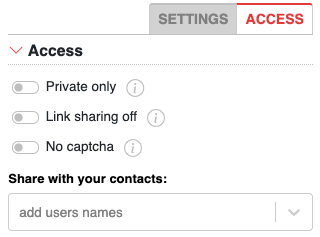
If you are a registered user, when creating new note you can share it directly with your contacts.
Sharing with contacts
To do this, in "Access" tab, find "Share with your contacts" field and start typing your contact name, then select the right name from the list.
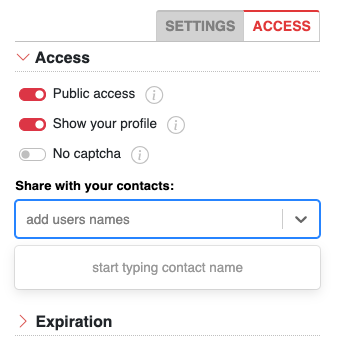
Adding contacts
In order to add your friend to your Contacts list, visit his profile and use "Contacts" button right under his avatar.
Notifications
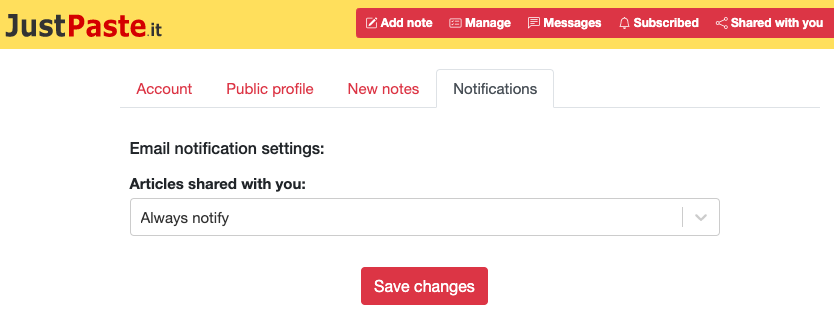
When your article will be published, all of your contacts will be notified in "Shared with you" panel and threw email. If you don't want to receive email notifications about articles shared with you, change this in your account "Settings" in "Notifications" tab.
Sharing private notes with contacts
Sharing with your contacts can be particularly useful if you'll define your note as "Private". Then only you and selected contacts will be able to view it.