
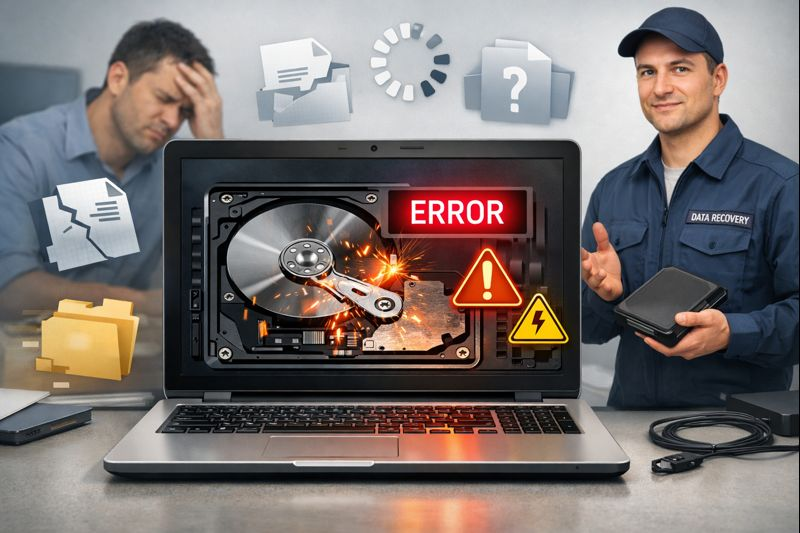
Your hard drive is one of the most important parts of your computer. It stores your photos, documents, work files, and everything you care about. But like all technology, hard drives don’t last forever.
Fortunately, hard drives usually give warning signs before they fail completely. If you learn to spot these signs early and act fast, you can often save your data and avoid big problems.
Let’s take a look at these signals and what you can do about them.
Hard Drive Failing Signs and Their Quick Solution
Below are the signs that your hard drive is failing, along with solutions for hard drive recovery:
1. Strange Noises from the Drive
A healthy hard drive shouldn’t make loud or odd sounds. If you suddenly hear clicking, grinding, or repetitive beeping, that’s a serious red flag. These noises often mean the internal parts, like the read/write heads, are damaged or failing. Sometimes this is called the “click of death.”
What to do: Turn off the computer right away. Continued use can make the damage worse. If the data is important, professional data recovery might be your best option.
2. Slow Performance and Frequent Freezes
When your computer starts taking forever to open files, load apps, or boot up, the hard drive might be struggling to read and write data. It can feel like everything slows down for no clear reason.
What to do: First, back up your important files. Then run built-in tools like Windows’ CHKDSK or macOS Disk Utility to check for disk errors. If the slowdown doesn’t go away, consider replacing the drive.
3. Files Disappear or Won’t Open
If files suddenly vanish, become corrupted, or won’t open, that’s a strong sign that something is wrong with the drive’s data structure. This can happen when sectors on the disk start to fail.
What to do: Stop saving new files. Overwriting can make recovery harder. Try trusted data recovery software, but if you can’t get your files back, professionals may be able to help.
4. Frequent Errors and Crashes
Seeing error messages like “disk read error,” repeated system crashes, or even the Blue Screen of Death (BSOD) can point to hard drive trouble. This happens when the operating system can’t reliably access the data it needs.
What to do: Back up your data immediately. You can also run a S.M.A.R.T. check. Most modern drives have built-in monitoring that can warn you before things get worse.
5. Trouble Booting the Computer
If your computer fails to start up, shows messages like “No bootable device,” or doesn’t detect the drive at all, your hard drive could be failing at a critical level.
What to do: Try booting from a USB or external drive to access your files long enough to back them up. If that doesn’t work, professional help might be needed.
Final Thoughts
Recognizing the early signs of a failing hard drive is your best defense against losing important data. Hard drives often show warning signs, and acting quickly can make all the difference.
Remember, a failing hard drive won’t get better on its own and will only get worse. Spotting symptoms early and responding as swiftly as possible gives you the best chance of saving your files and avoiding stress later.