
Introduction
Many businesses still use Tally on a single computer. While it works, it limits access and increases data risk. Moving to Tally Prime on Cloud solves these problems. Cloud migration allows you to access data anytime, improves security, and removes hardware dependency. Let’s understand how you can migrate your Tally data easily and safely.
Why Should You Move Your Tally Data to the Cloud?
Cloud-based Tally lets you work from anywhere without being tied to one system. It improves data safety, offers automatic backups, and supports multi-user access. Businesses also avoid system crashes and data loss. Migration helps your accounting system become faster, more reliable, and future-ready.
What Should You Do Before Migrating Tally Data?
Before migration, you must prepare properly. Take a complete data backup of your existing Tally data. Check that your current Tally version is updated. Ensure stable internet connectivity. Also, confirm that all company data is verified and error-free to avoid issues during migration.
How Is Tally Data Migrated to Tally Prime Cloud?
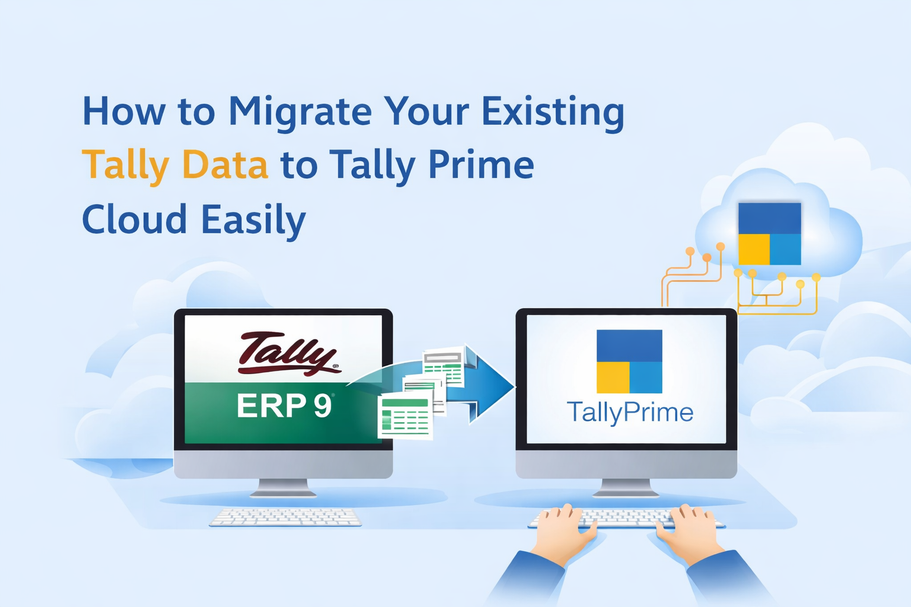
The migration process starts by setting up a secure cloud server. Your Tally data is then uploaded to the cloud environment. Once uploaded, Tally Prime is configured on the cloud server. After setup, your existing data appears exactly as it was on your local system.
Will My Existing Tally Data Change After Migration?
No. Your accounting data, ledgers, vouchers, stock details, and reports remain unchanged. Cloud migration does not alter your financial records. You continue working with the same interface, same reports, and same data—just with better access and security.
How Long Does Tally Cloud Migration Take?
In most cases, migration takes only a few hours. The time depends on data size and internet speed. Small and medium businesses usually complete migration on the same day. With expert handling, downtime is minimal, and business operations are not disturbed.
Is My Data Safe During the Migration Process?
Yes. During migration, data is transferred using secure methods. Encryption ensures that no unauthorized user can access your information. Once migration is complete, your data stays protected with cloud-level security and automatic backups, reducing the risk of loss.
Can Multiple Users Access Tally After Migration?
Yes. After moving to the cloud, multiple users can work on Tally at the same time. Each user gets controlled access based on their role. This is useful for businesses with accounting teams, remote staff, or multiple branches.
Looking tally prime on cloud services?
Planning to migrate your Tally data without risk? Gseven, an official 5-star Tally partner, offers secure Tally cloud migration, latest Tally versions, updates, customization, and full support. Get expert assistance to move your data safely and start using Tally Prime on Cloud without disruption.
Conclusion
Migrating your existing Tally data to Tally Prime Cloud is simple when done correctly. With proper backups, secure transfer, and expert support, businesses can enjoy better access, security, and performance. Cloud migration helps you modernize accounting while keeping your data safe and unchanged.
#TallyPrimeonCloud #TallyPrimeonCloudServices #TallyPrimeOnCloudinDelhi #TallyPrimeOnCloudDelhiNCR