🔑 Autodesk Key Activation
1. Open Application / Запустите приложение.
2. Choose "Sign in With Your Autodesk ID" - Sign in With your Autodesk Account / Выберите Войти при помощи "Sign in With Your Autodesk ID" - Войдите в свой аккаунт Autodesk.
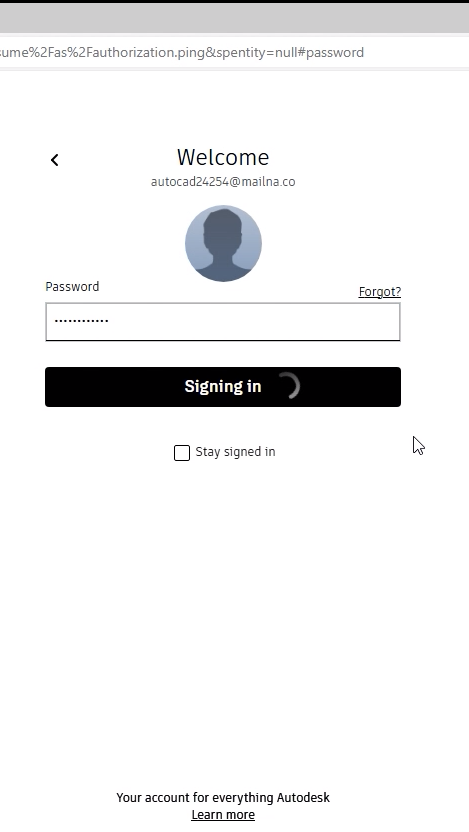
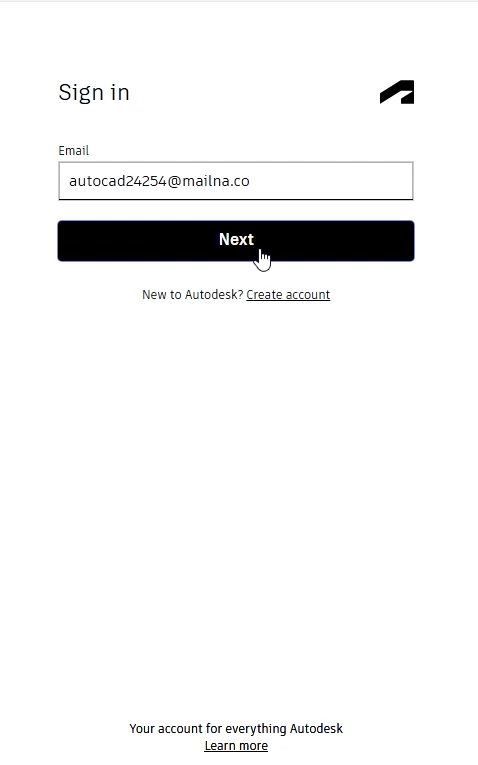
- If you dont have Account, Follow this link for register it / Если аккаунта нет, пройдите по ссылке для регистрации аккаунта - https://accounts.autodesk.com/register
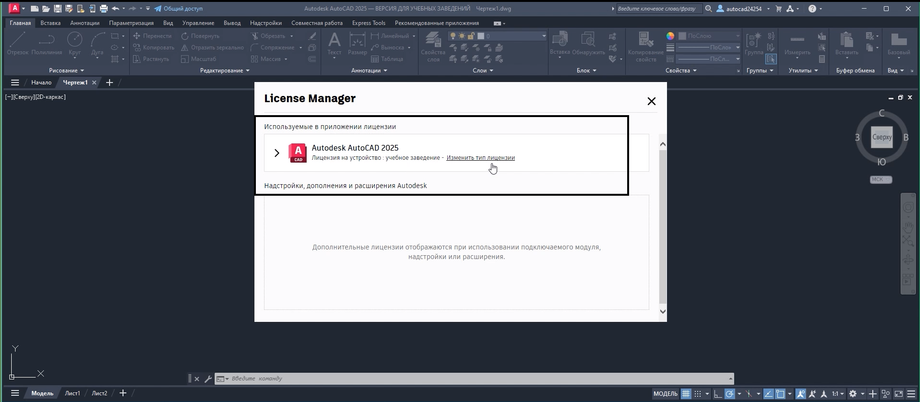
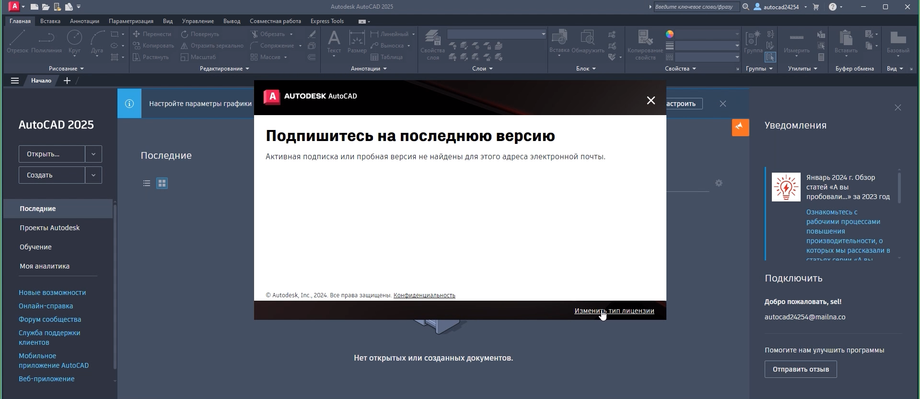
3. Click "Change License Type" / Нажмите "Изменить тип лицензии".
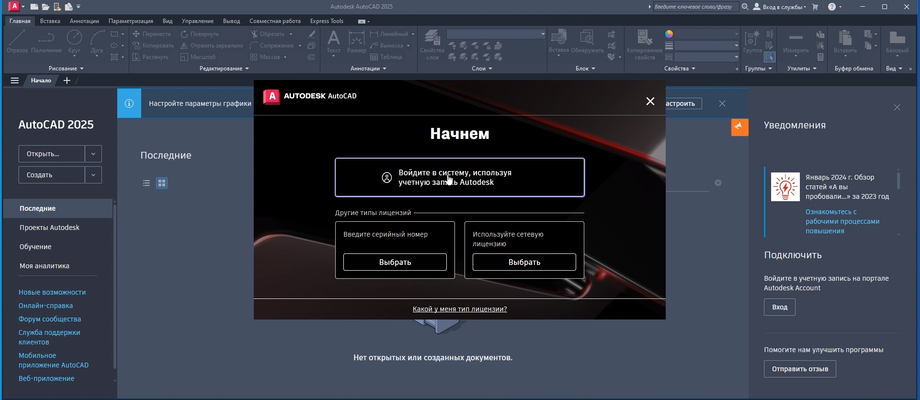
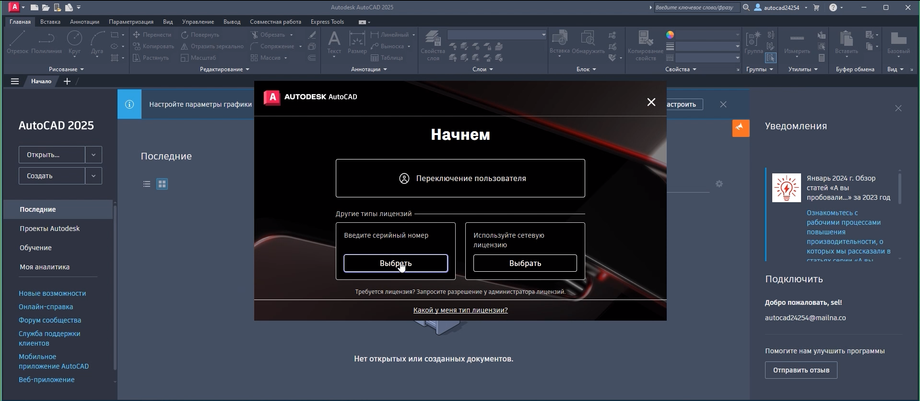
4. Choose "Enter serial number" / Нажмите "Введите серийный номер".
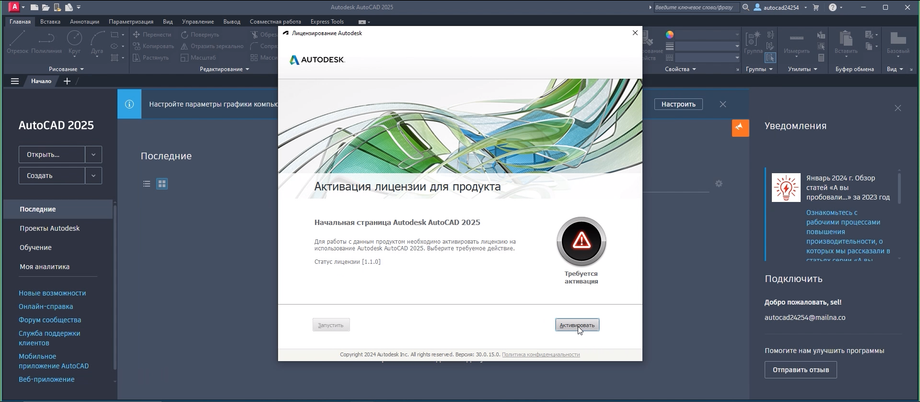
5. Click on "Activate" / Нажмите "Активировать".
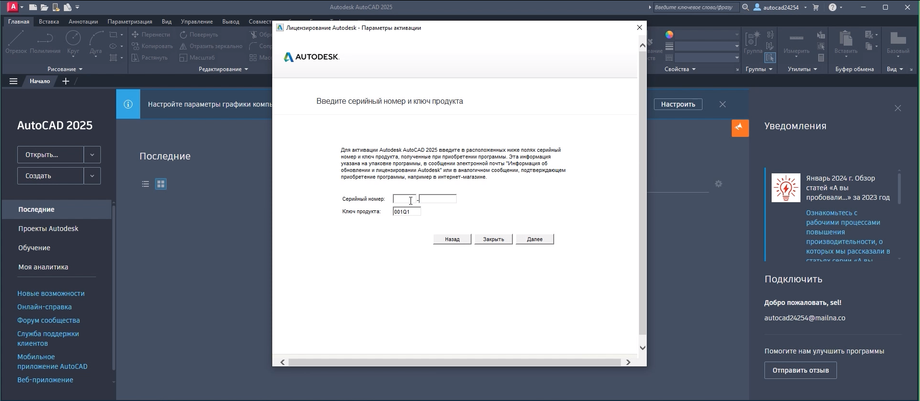
6. Insert Serial Number - Click Next / Введите серийный номер - нажмите далее.
7. If you get error choose "Yes" unless you get authorization window - sign in again with your Autodesk ID.
Если вы получили сообщение об ошибке, жмите «Да», пока не появится окно авторизации. Войдите снова, используя свой идентификатор Autodesk.
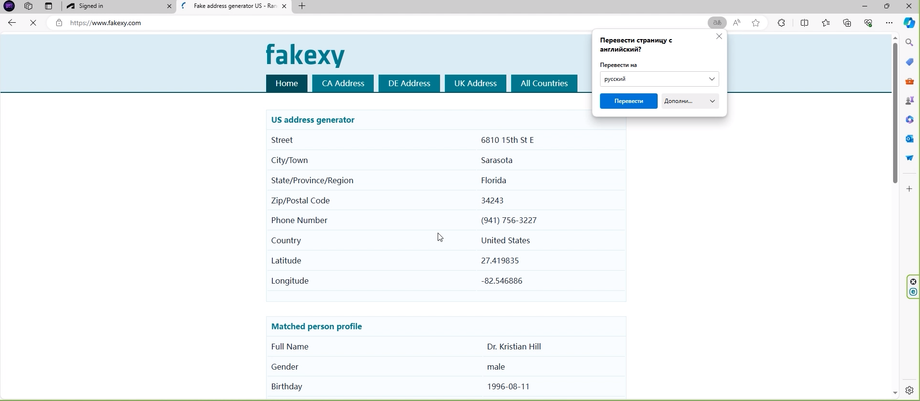
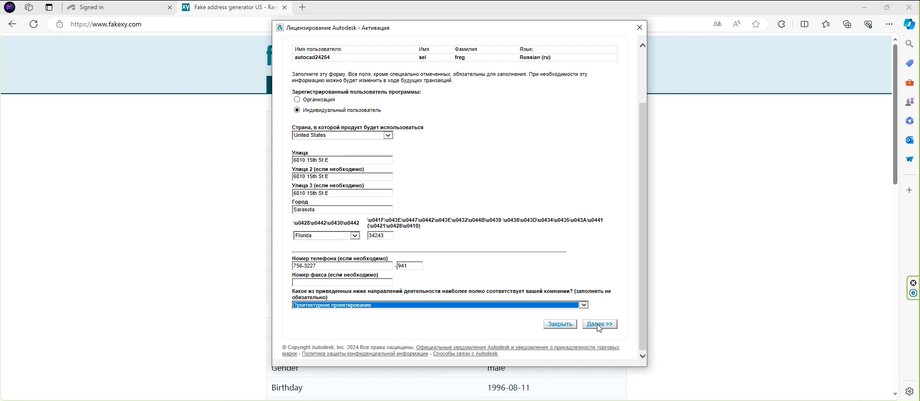
8. Fill all the registration Info - can use your own or use this link / Заполните необходимую регистрационную информацию - можете свою или используйте ссылку - https://www.fakexy.com
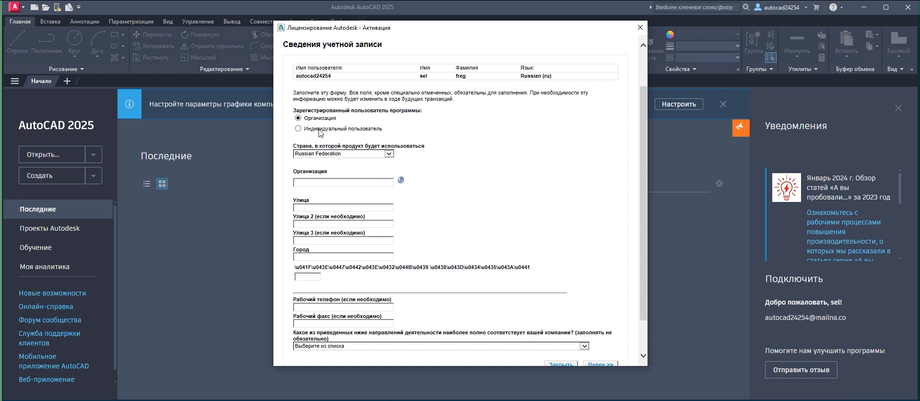
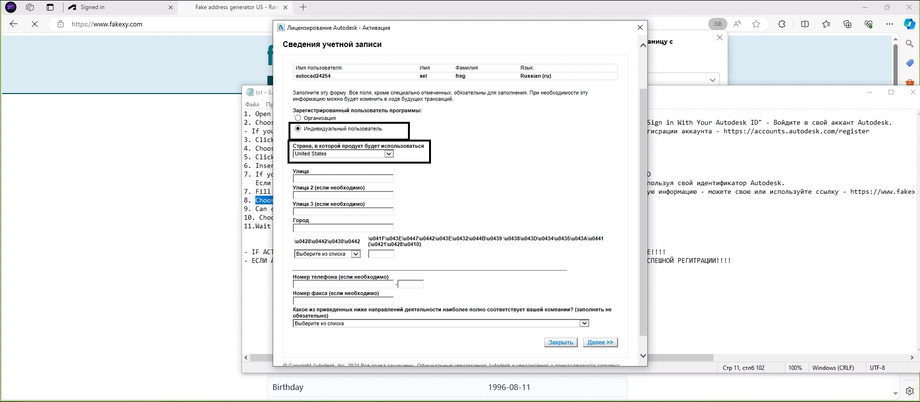
9. Choose "Individual User" - Country United States / Выберите индивидуальный пользователь - Страна США.
10. Can choose any working category / род деятельности любой
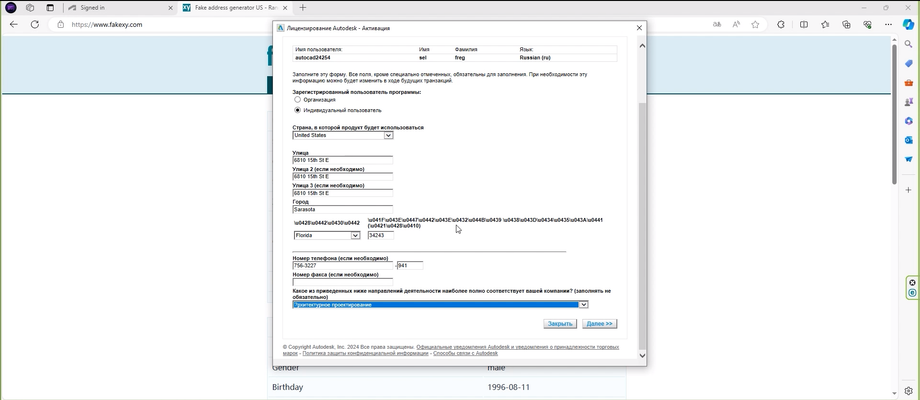
11. Choose "Next" / Нажмите "далее".
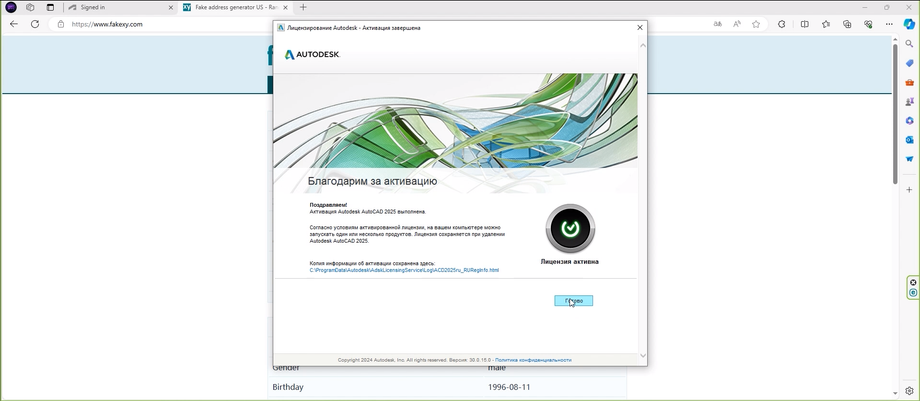
12. Wait for activation finished / Дождитесь завершения регистрации.
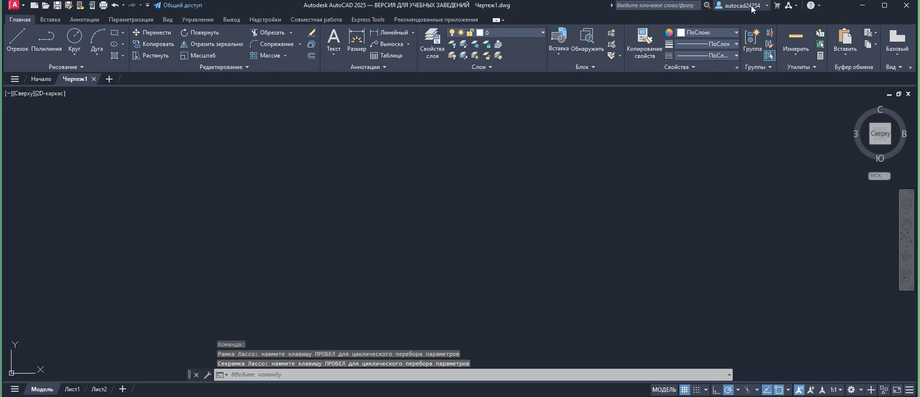
✅ Steps to verify activation
1- Click on your email mentioned on the top Right size.
2- Click on review of purchasing options
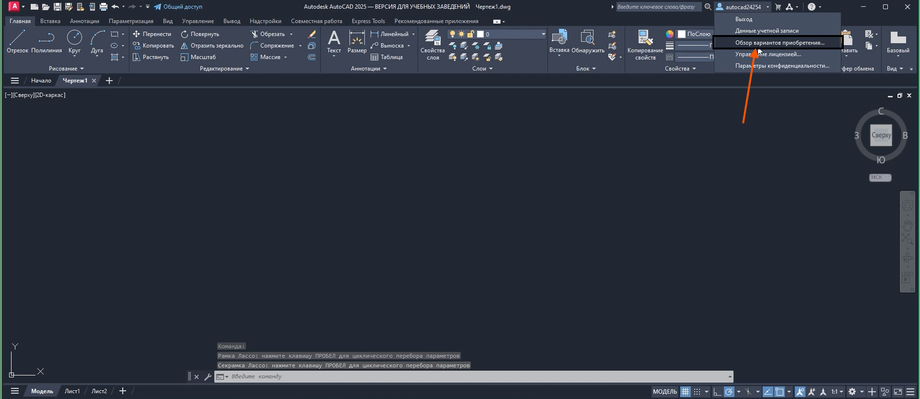
3- Here you can see licenses