
Introduction
Artificial intelligence assistants have rapidly shifted from experimental tools to everyday necessities. Today, professionals use AI to write emails, analyze spreadsheets, generate presentations, research topics, and even build software.
Two major players are leading this transformation: Gemini and Copilot — backed by tech giants Google and Microsoft.
Both companies are investing heavily in AI ecosystems, integrating assistants directly into the apps people already use. But choosing between them isn’t always simple.
In this detailed comparison, we’ll explore how Gemini and Copilot differ in real-world performance, integrations, pricing, intelligence, and everyday usefulness — helping you decide which AI assistant actually fits your workflow.
What Is Google Gemini?
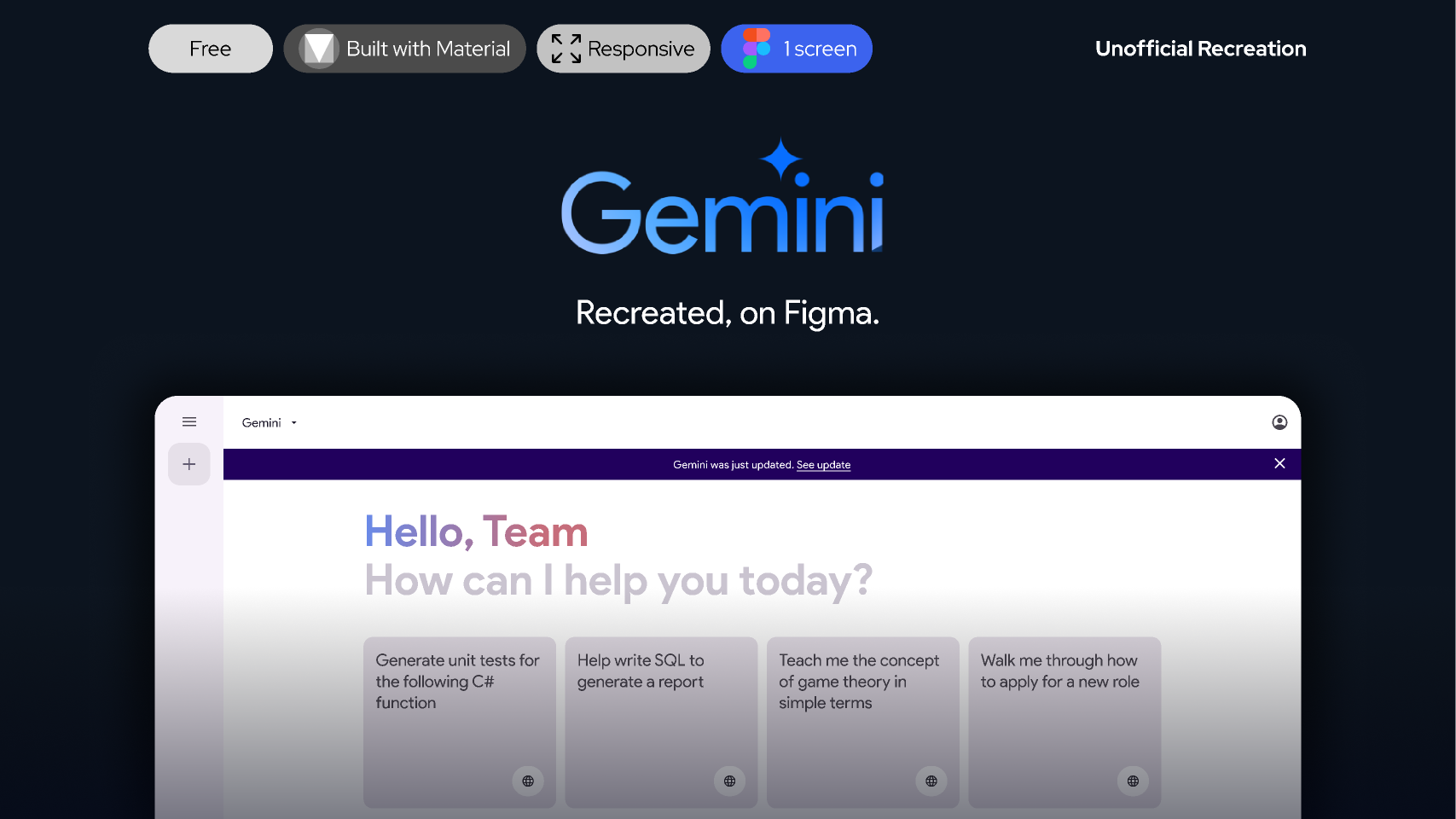
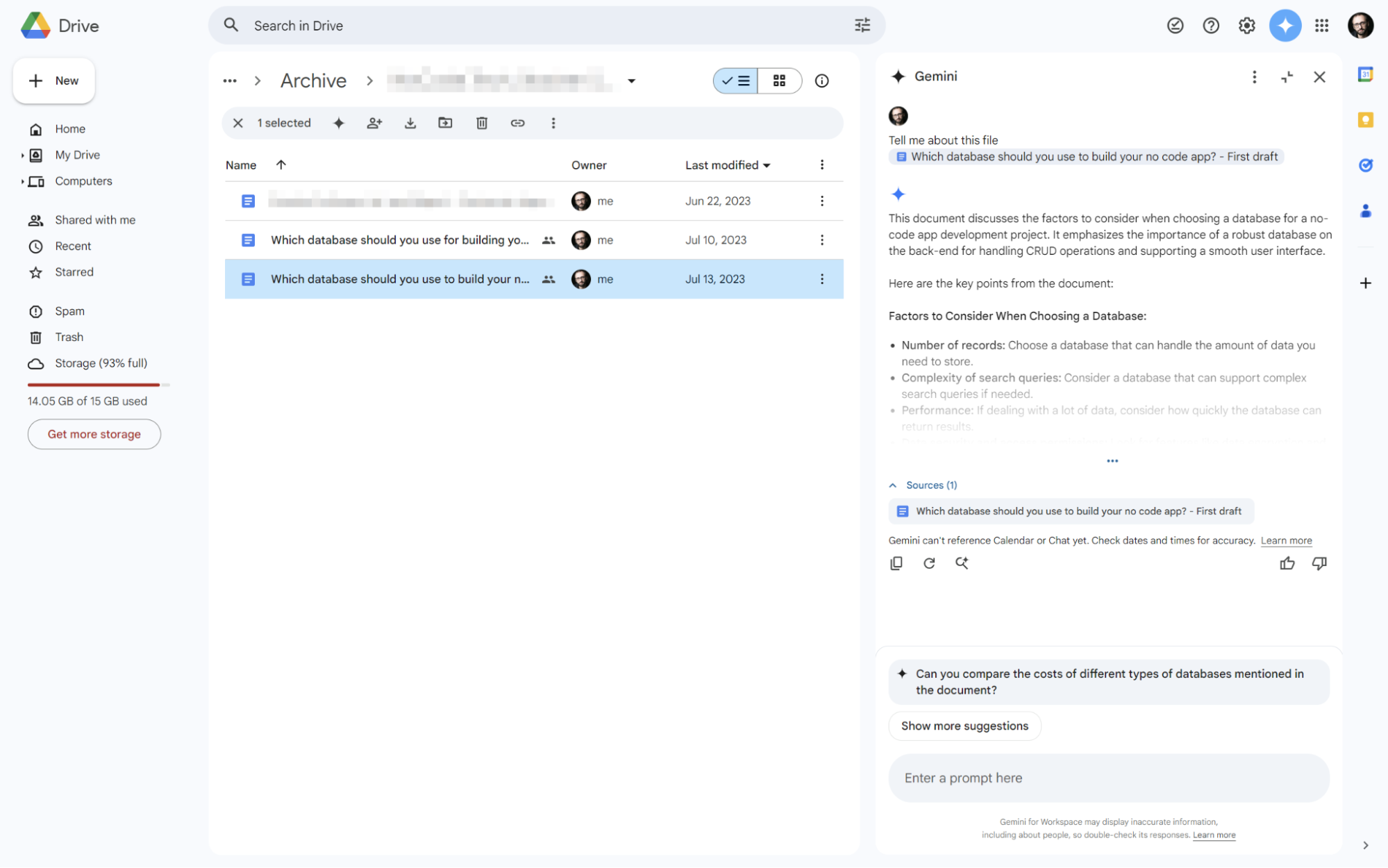

Gemini is Google’s flagship AI assistant, designed to work naturally across its ecosystem of productivity and search tools. Previously introduced as Bard, Gemini now runs on Google’s advanced family of large language models built for reasoning, research, and multimodal understanding.
If your daily workflow includes Gmail, Google Docs, Drive, or Android devices, Gemini feels deeply integrated rather than separate from your work.
Gemini Models Explained
Google offers multiple versions depending on speed and complexity:
-
Gemini Flash — optimized for fast everyday tasks.
-
Gemini Pro — stronger reasoning and document analysis.
-
Gemini Ultra — premium tier designed for advanced workflows and enterprise usage.
One standout capability is Gemini’s extremely large context window — capable of processing massive documents, lengthy reports, or entire coding projects in one conversation.
Key Strengths of Gemini
1. Powerful Research Assistant
Because Gemini connects closely with Google Search infrastructure, it performs exceptionally well at gathering fresh information.
Students, marketers, journalists, and analysts benefit from this research advantage.
2. Multimodal Intelligence
Gemini understands multiple content formats simultaneously.
You can upload:
-
Images
-
PDFs
-
Screenshots
-
Audio or video references
and ask questions across them together.
3. Google Workspace Integration
Inside Google apps, Gemini can:
-
Summarize emails.
-
Draft documents automatically.
-
Extract insights from Drive files.
-
Generate meeting notes.
This makes it especially attractive for freelancers, students, and creators already using Google tools.
Limitations
-
Enterprise workflow automation is still evolving compared to Microsoft’s offerings.
-
Some advanced features require paid subscriptions.
What Is Microsoft Copilot?

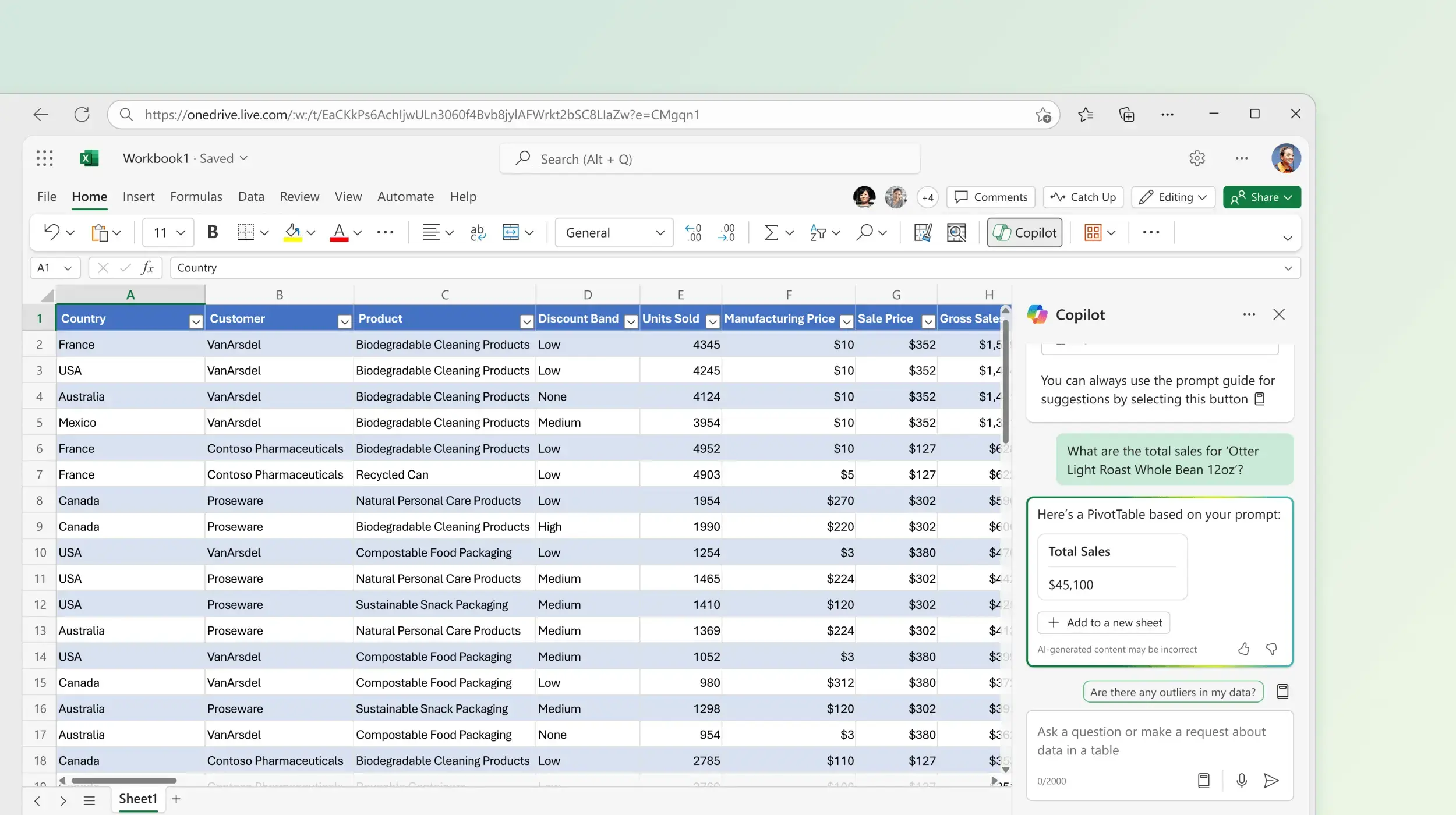
Copilot is Microsoft’s AI assistant focused heavily on workplace productivity. Rather than existing only as a chatbot, it operates directly inside the software millions of businesses already rely on.
Powered partly through advanced models developed alongside OpenAI, Copilot brings conversational AI into documents, spreadsheets, meetings, and operating systems.
It’s available as a standalone web assistant and as premium integrations across Microsoft 365.
Core Features of Copilot
-
Draft reports inside Word.
-
Build presentations automatically in PowerPoint.
-
Analyze datasets in Excel.
-
Summarize Teams meetings.
-
Assist directly within Windows environments.
Instead of switching between apps, users interact with AI where work already happens.
Strengths of Copilot
1. Deep Office Productivity Integration
Copilot’s biggest advantage is native placement inside professional software.
For example:
-
Turn bullet notes into full reports instantly.
-
Generate charts from spreadsheet data.
-
Summarize long email threads automatically.
For office professionals, this saves significant time.
2. Developer Advantage
Copilot also connects closely with coding workflows through integrations linked to GitHub, enabling inline code suggestions inside development environments.
Developers can generate functions, debug errors, or understand unfamiliar code faster.
3. Enterprise Security and Collaboration
Microsoft designed Copilot with corporate environments in mind.
Companies benefit from permission controls, compliance policies, and organizational data protections.
Limitations
-
Best experience requires Microsoft subscriptions.
-
Less flexible for open web research compared to Gemini.
Gemini vs Copilot: Head-to-Head Comparison
Let’s break down the biggest decision areas.
1. Ecosystem Integration
Your existing tools matter more than feature lists.
Gemini works best if you rely on:
-
Gmail
-
Google Docs
-
Drive collaboration.
It can summarize emails or extract insights from cloud documents effortlessly.
Copilot dominates in corporate environments using Microsoft 365 apps like Word, Excel, Outlook, and Teams.
If your organization already runs on Microsoft software, Copilot feels almost invisible — in a good way.
Winner: Tie — ecosystem preference decides.
2. AI Intelligence and Reasoning
Both assistants are highly capable.
Gemini relies on proprietary Google models optimized for reasoning across multiple formats.
Copilot leverages advanced GPT-series systems developed with OpenAI.
Where Gemini stands out:
-
Massive context handling.
-
Multimodal reasoning across images and videos.
Copilot excels at structured productivity instructions and workflow automation.
Winner: Gemini for research and complex documents.
3. Web Search and Real-Time Information
Gemini benefits from Google Search integration, widely considered the strongest web indexing system available.
It often delivers:
-
Recent news summaries.
-
Source-aware answers.
-
Research explanations.
Copilot uses Bing search effectively and provides clear citations.
However, Gemini slightly edges ahead in freshness and depth.
Winner: Gemini.
4. Productivity and Office Work
This category strongly favors Copilot.
Inside Microsoft apps, AI assistance becomes part of normal work rather than an external tool.
Examples:
-
Generate presentations from prompts.
-
Analyze Excel datasets automatically.
-
Summarize meetings.
Gemini continues improving Workspace features but hasn’t fully matched Microsoft’s enterprise depth yet.
Winner: Copilot.
5. Coding Assistance
Developers often lean toward Copilot.
Its coding integrations connected to GitHub allow real-time suggestions directly inside IDEs.
Gemini can explain or generate code effectively through chat interfaces and cloud notebooks.
But seamless inline coding assistance still gives Copilot an advantage.
Winner: Copilot for developers.
6. Pricing and Accessibility
Both tools offer free access tiers.
Gemini Pricing
-
Free access for general users.
-
Advanced tier bundled with Google storage plans.
Copilot Pricing
-
Free web assistant.
-
Premium plans integrated into Microsoft 365 subscriptions.
Individual users often find Gemini slightly better value.
Businesses may justify Copilot’s pricing through productivity gains.
Winner: Slight edge to Gemini for individuals.
Quick Comparison Summary
| Feature | Gemini | Copilot |
|---|---|---|
| Best Ecosystem | Google Workspace | Microsoft 365 |
| Research Ability | ⭐⭐⭐⭐⭐ | ⭐⭐⭐⭐ |
| Coding | ⭐⭐⭐⭐ | ⭐⭐⭐⭐⭐ |
| Office Productivity | ⭐⭐⭐ | ⭐⭐⭐⭐⭐ |
| Multimodal AI | Advanced | Strong |
| Enterprise Security | Strong | Excellent |
| Free Tier | Yes | Yes |
Who Should Choose Gemini?
Gemini is ideal if:
-
You rely on Google Workspace daily.
-
Research and content creation matter.
-
You work with large documents or datasets.
-
You want strong free-tier functionality.
Students, marketers, freelancers, and creators often benefit the most.
Who Should Choose Copilot?
Copilot is a strong choice if:
-
You work inside Microsoft Office daily.
-
Your company uses enterprise collaboration tools.
-
Coding is a major part of your workflow.
-
You want AI directly inside software instead of a separate chatbot.
Corporate teams and developers typically gain the biggest advantages.
Final Verdict: Gemini vs Copilot
There isn’t a universal winner in the Gemini vs Copilot debate — because both assistants excel in different environments.
Choose Gemini if research depth, multimodal intelligence, and Google ecosystem compatibility matter most.
Choose Copilot if workplace automation, enterprise collaboration, or coding productivity are your priorities.
The smartest approach is simple: try both free versions.
Within a few days of real work usage, one will naturally feel faster, more helpful, and more aligned with how you think and work — and that’s the assistant worth investing in.