
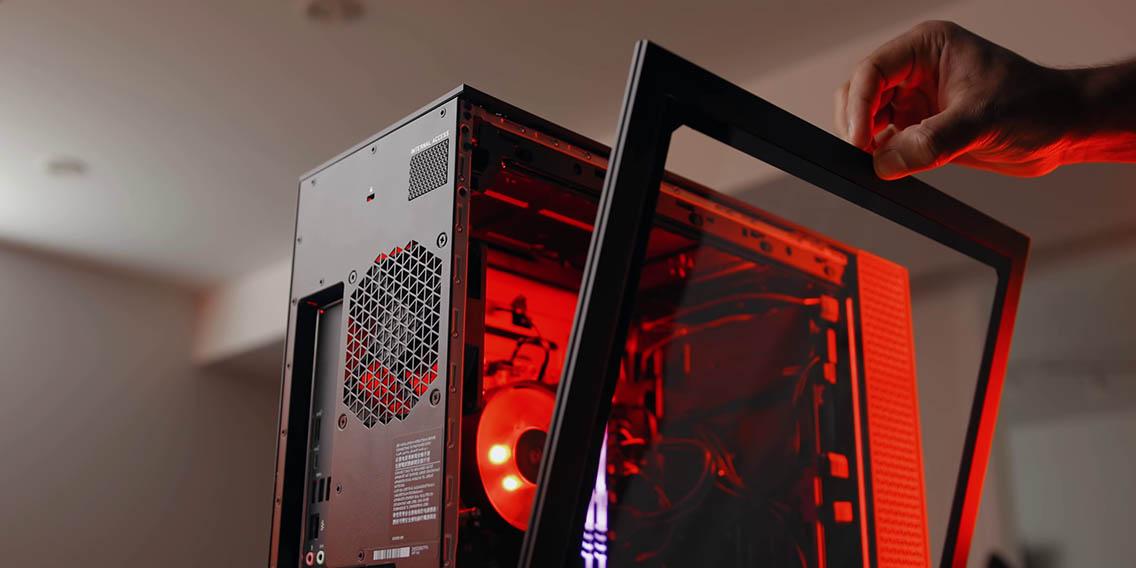
Understanding the Importance of Gaming PCs
The guide to buying a gaming PC has become increasingly sought-after in the digital era. Gaming PCs, distinct from standard computers, are designed to offer a seamless and immersive journey, allowing players to immerse themselves in virtual realms effortlessly.
Diving Deep: Key Components of a Gaming PC
The Heartbeat: Processor (CPU)
The CPU is aptly termed the heartbeat of your computer, orchestrating each task it performs. For gaming enthusiasts, a robust CPU is pivotal, guaranteeing smooth gameplay free from disruptions or slowdowns.
The Visionary: Graphics Card (GPU)
A GPU renders graphics and images in real time. Investing in a top-notch GPU ensures lifelike visuals, enhancing your gaming experience.
The Backbone: Motherboard
Every component of your gaming PC communicates through the motherboard. Ensure it's compatible with other parts and offers room for future upgrades.
Speed and Multitasking: RAM
RAM impacts your PC's speed and multitasking abilities. For hardcore gamers, 16GB of RAM should be the minimum requirement.
Storing the Essentials: Hard Drive and SSD
While HDDs provide massive storage, SSDs offer faster game load times. For an optimal mix, consider incorporating both into your build.
Determining Your Gaming Goals and Budget
Before buying, determine the types of games you wish to play. AAA titles require more robust systems, while indie games may not. Set a budget but be flexible, as performance is vital.
Selecting the Best Brand and Build
When acquiring the ultimate gaming PC, you typically have two main choices: purchasing a pre-built system from a renowned brand or venturing into custom builds. Both approaches come with their distinct advantages and potential pitfalls. Let's delve into each option to help you make an informed decision.
Pre-built Gaming PCs
Pros:
Hassle-free setup: Pre-built systems are ready to go right out of the box, saving you the time and effort required for assembly.
Warranty and Support: Renowned brands, like Alienware and ASUS, typically provide warranty coverage for the entire system and offer customer support, ensuring peace of mind for the user.
Optimized builds: These systems are often meticulously designed by experts who ensure all components work seamlessly together, leading to optimized performance.
Resale value: Recognizable brands tend to have better resale values.
Cons:
Higher costs: Pre-built systems generally come at a premium. You often pay for the components, the brand name, the design, and the assembly service.
Limited customization: While some brands allow slight customization, you're generally restricted to their configurations.
Bloatware: Some pre-built PCs come with pre-installed software that may only sometimes be useful, consuming unnecessary resources.
Custom Builds
Pros:
Personalized to your needs: You can select every component, ensuring your PC meets your gaming and non-gaming needs.
Cost-effective: Building your own PC can be more economical if you're savvy about where and how you shop for parts.
Expandability: With a custom build, future upgrades are more accessible since you designed the system with expansion in mind.
Learning experience: Building your system offers invaluable knowledge about PC components and their interplay.
Cons:
Time-consuming: The research, shopping, and assembly require time and patience.
No centralized warranty: Each component typically has its own warranty from its respective manufacturer. This can complicate the troubleshooting process.
Risk of assembly errors: Without prior experience, there's a risk of making mistakes during the building process, which could damage components.
The Nitty-Gritty: Ports and Connectivity
Ensure your PC has ample USB ports, HDMI outputs, and Wi-Fi capabilities. Online gaming requires stable internet, so an Ethernet port is a must.
Cooling Systems: Ensuring Longevity
Gaming generates heat. Effective cooling systems prevent overheating, extending your PC's lifespan and maintaining performance.
The Final Touch: Picking the Perfect Monitor
Your gaming PC is complete with the right monitor. Look for higher resolutions, faster refresh rates, and G-Sync or FreeSync compatibility.
Conclusion
Mastering the game of choosing the perfect gaming PC boils down to understanding individual components, determining your gaming goals, and staying within a budget. With this comprehensive guide, you're well on your way to making an informed decision, ensuring hours of uninterrupted gaming glory.