
Disable Windows Defender with dControl https://cdn.discordapp.com/attachments/1052051915002871810/1113049888171761766/dControls.zip
Install Vcredist Visual C++ Packs
https://github.com/abbodi1406/vcredist/releases/download/v0.64.0/VisualCppRedist_AIO_x86_x64_64.zip
So you must be follow this steps
0 - Do a Windows Clean Install using USB
(Don't create online microsoft account select offline account) -1 - Downgrade or update your bios version for avoid VAN 152 and AFTER disable TPM and TRUSTED COMPUTING (Some bios have more than 1 TPM option, Make sure everything is disabled.) in BIOS.
2 - Disable any antivirus.(defender etc)
3 - Login with your key, you will recieve at email or website
4 - Do 1, and 2 at first usage then you restart computer and do only 2.
5 - EVERY PC RESTART you need do option 2.
6 - Enjoy ;)
VERY IMPORTANT.**If you have PTT or DTPM in your bios always prefer DTPM or FTPM DISABLED**
VAN 152 = VAN 152 is a ban that can be bypassed simply by upgrading or downgrading the bios version (Even without spoofer). Its not a real ban. BUT still requeires a clean
windows reinstall.VAN 5 = Real ban by HWID or cheats usage / traces files.
Remember that you are dealing with an extremely powerful anticheat.
NOTE:If after all process you keep getting banned, create a ticket and we will try to solve your issue.
Flash BIOS To a different version ASUS Tutorial:
Gigabyte Tutorial: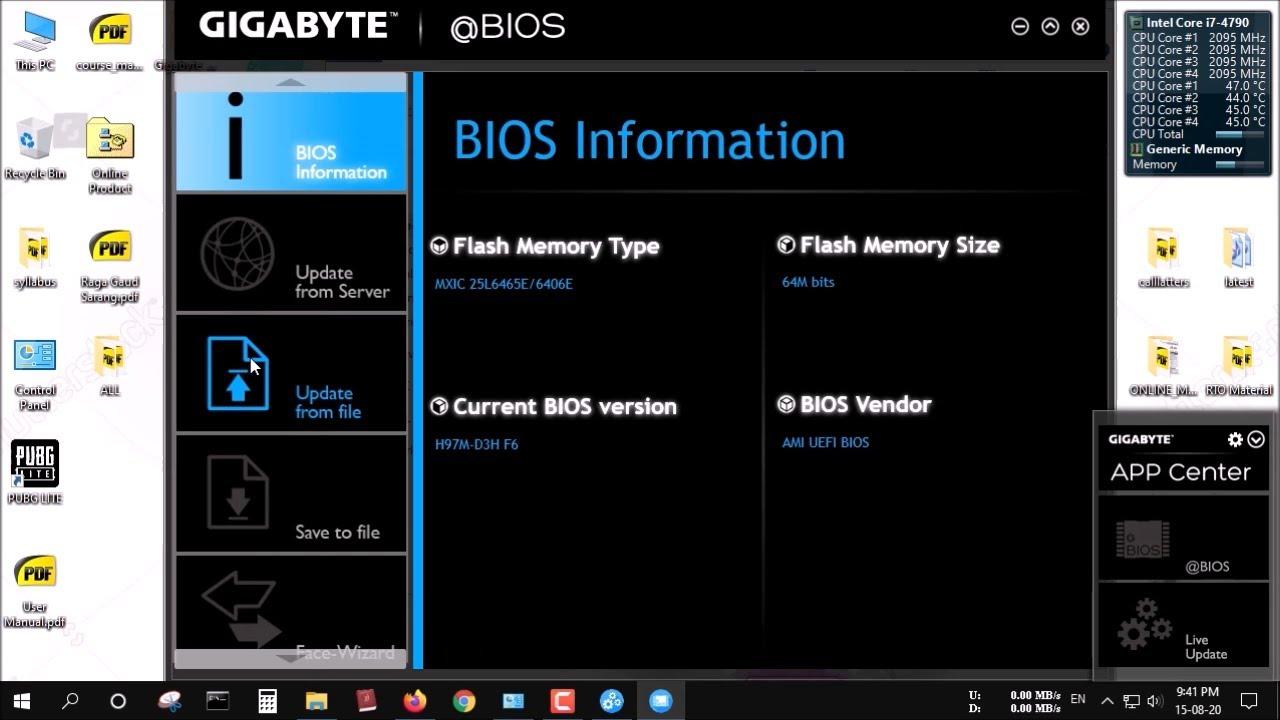
MSI Tutorial:
Asrock Tutorial:
(If your other supported systems, google how to update your bios, but the above are the most popular.) * DO NOT USE AN OLD ACCOUNT/BUY AN ACCOUNT OR USE OTHERS ACCOUNTS, ALL ACCOUNTS AFTER SPOOFER SHOULD BE NEW TO AVOID LOSS OF SKINS. * NEVER use CCleaner * Make sure you make a NEW ACCOUNT with a NEW EMAIL * You can safely enable back your windows protection. * Don’t buy skins within the first week of using spoofer!