
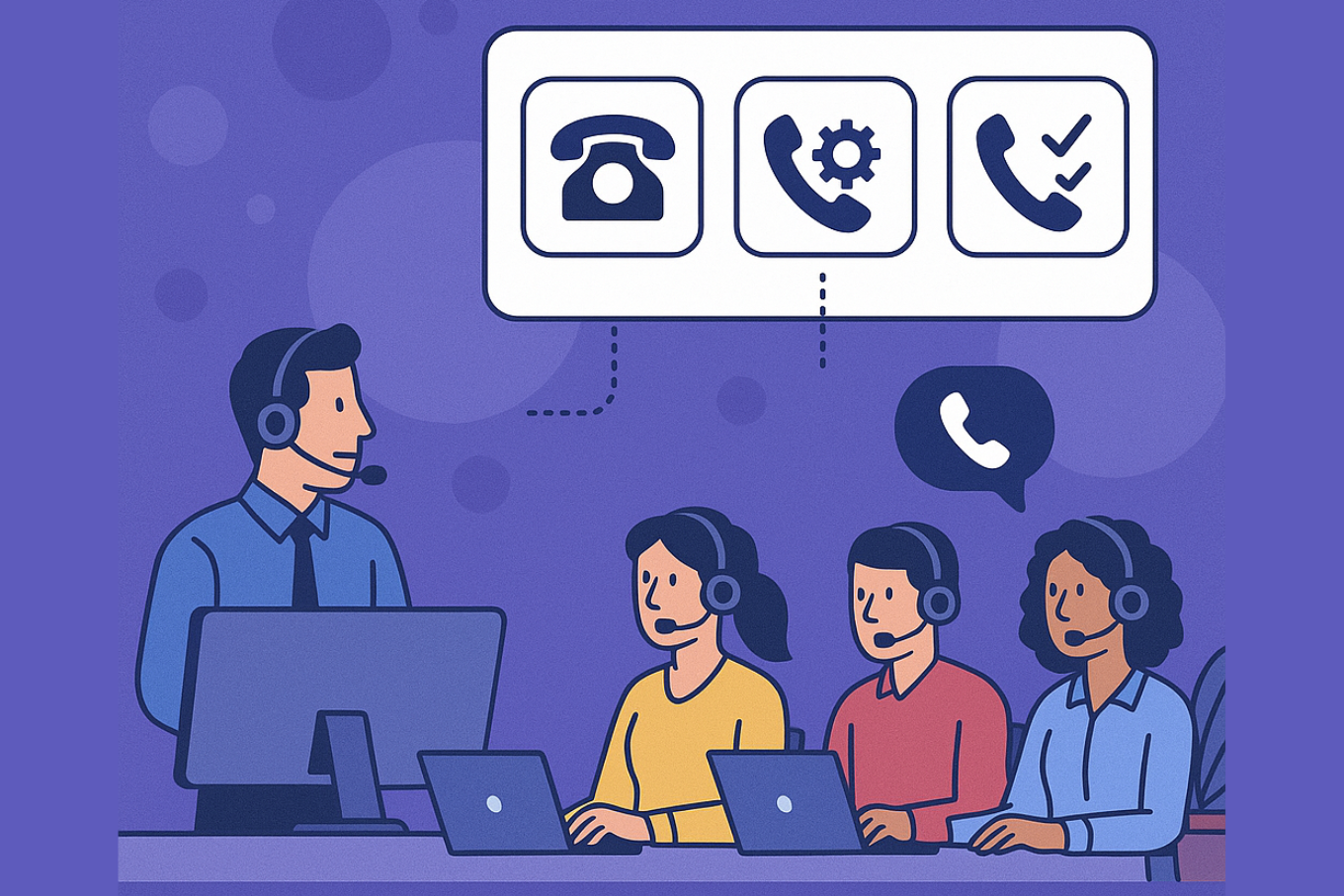
Telecalling is tough. Your team is putting in the hours, chasing leads, and following up, but somehow, the results just don’t match the effort. Sound familiar?
The problem often isn’t your team or even your leads it’s how you’re making your calls.
Think about it:
-
Agents spend more time dialing numbers than actually talking to prospects.
-
Calls drop, leads go unanswered, and hot leads turn cold before you can follow up.
-
The team feels drained, spending their day listening to dial tones instead of having real conversations.
And while this is happening, you’re missing out on potential sales without even realizing it.
All of this slows down your sales process, affects your targets, and impacts the customer experience. But, here’s the good news: the right dialer can change this.
But let’s be real choosing a dialer isn’t easy. There are so many options out there manual, preview, power, predictive and it can get confusing fast.
That’s exactly why we’ve put this guide together for you. Ready? Let’s dive in.
Understanding Dialer Types (Simply, No Fluff)
Alright, let’s keep this simple. If you’ve ever felt overwhelmed by “predictive vs progressive vs power” talk, you’re not alone. Here’s what these dialers actually mean in real life:
Manual Dialer: Your team dials each number themselves. That’s it. It’s slow, yes, but if you’re calling warm leads or high-value prospects where you need to research before calling, manual dialing works.
Preview Dialer: Before the call goes out, your agent sees who they’re calling and a few details to prep. It’s like taking a quick glance at the customer’s profile before saying hello, so your agent can personalize the conversation.
Progressive Dialer: Once your agent finishes a call, the system automatically dials the next number. No downtime, no forgetting who to call next. Your team stays in the zone, but still gets a moment to prepare before each call.
Predictive Dialer: This one is built for speed. It dials multiple numbers in the background and only connects your agent when someone picks up. Great if you need to reach hundreds of people, but it can get tricky if your leads need a personal touch.
Power Dialer: Imagine a fast-forward button for calling. It dials one number after another rapidly, skipping unanswered calls, so your agents spend more time talking and less time waiting.
Quick rule of thumb:
-
If you care about quality conversations, go for manual or preview.
-
If you need to reach a lot of people quickly, look at predictive or power.
-
If you want something in-between, progressive is a safe bet.
What to Think About Before Picking a Dialer
There’s no “best dialer for everyone.” What works for a startup team calling 50 warm leads a day won’t work for a call center trying to reach 2,000 cold leads before lunch.
Here’s what you should actually think about before locking in a dialer:
1. How big is your team, and how many calls are you making?
If your team is large and you’re trying to hit big daily call numbers, you’ll probably want a predictive or power dialer to keep the calls flowing. But if your team is small and you’re calling warm leads where every conversation matters, a manual or preview dialer will keep things personal.
2. What’s the quality of your leads?
Are you calling cold lists, or are these warm, high-value leads that need context before the call? If your team needs to check LinkedIn, notes, or CRM data before picking up the phone, a preview dialer makes sense.
3. Does it connect with your CRM?
You don’t want your team wasting time copying notes from the dialer into your CRM after every call. Make sure the dialer you choose can sync calls, notes, and call outcomes automatically.
4. What about compliance?
Don’t get into trouble. Make sure the dialer you’re looking at can filter DND numbers, record calls (if your team needs that), and stay within local call regulations.
5. Will you get clear reports?
A good dialer should show you how many calls are being made, connection rates, and which agents are actually getting conversations going not just hitting the dial.
It’s also worth checking if the dialer offers call monitoring, so you can track call quality and give your team real feedback not just numbers on a report.
6. Can you afford it, and will it grow with you?
Predictive dialers can save a lot of time, but they’re not cheap. Make sure the dialer you choose fits your current budget and can handle more agents or call volume as you grow.
Questions to Ask Before Buying a Dialer
Don’t get swayed by flashy dashboards. Here’s what you should really ask:
-
Can it integrate with your current CRM?
-
How does it handle retries for unanswered calls?
-
Is reporting easy to customize for your KPIs?
-
What’s the call quality like in your region?
-
Are there hidden costs like recording storage or per-minute charges?
-
Can you easily add or remove agents if your team size changes?
Mistakes to Avoid When Choosing a Dialer
Choosing only on price: Cheap dialers can cost you in low connection rates or compliance penalties.
Ignoring training needs: A complex dialer that your team hates using will kill productivity.
Skipping compliance checks: You don’t want legal headaches over DND or recording violations.
Not testing before buying: Always test call quality under your network conditions.
How to Test Before You Buy
Here’s a simple 5-step framework:
-
Shortlist 2–3 dialers based on your team’s needs.
-
Take live demos and ask your agents to test workflows.
-
Run a 1-week pilot campaign with real leads and measure call connections, agent feedback, and reporting.
-
Check call quality under your local network conditions.
-
Collect agent feedback before deciding, as they will use it daily.
Wrapping Up
The right dialer can transform your telecalling operations boosting productivity, improving lead engagement, and making your agents’ lives easier.
Remember, there’s no one-size-fits-all answer. The best dialer for you depends on:
-
The type of leads you call
-
Your team size
-
Your workflow and CRM
-
Your compliance needs
Take your time, test thoroughly, and involve your team in the decision process.