
1) Location Stamp
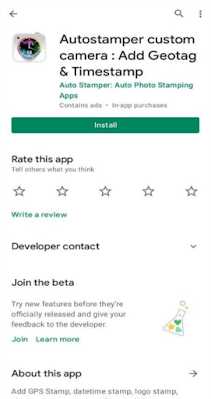
Step 1) After downloading Autostamper custom camera: Add Geotag & Timestamp application from google play store. And open the application.
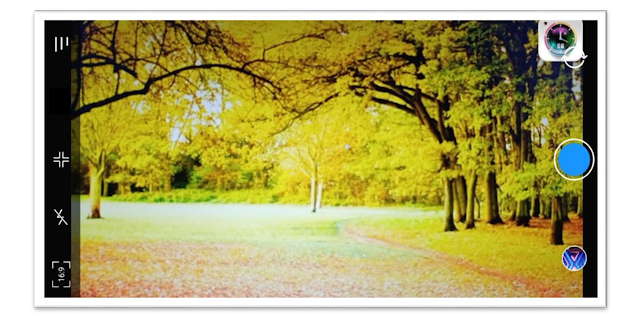
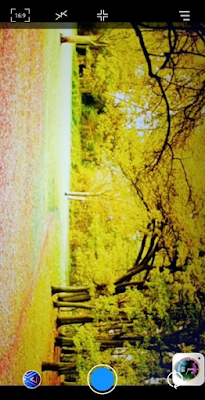
Step 2) After opening the application you can see the in-app camera provided by the Autostamper custom camera application.
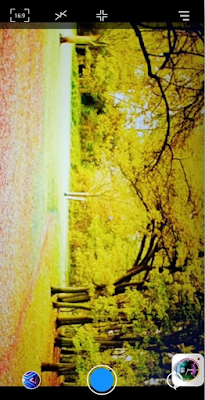
Step 3) Now for enabling Date And Time features In the Autostamper custom camera Click on the [ ☰ ] menu icon.
Step 4) Click on the Location Stamp Option for adding various features to the Location stamp.
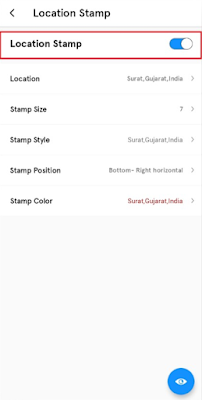
Now you have to just enable the Location Stamp feature. By simply clicking on the toggle button.
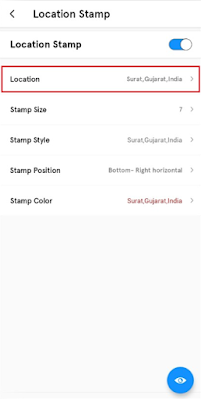
Step5) Now on clicking the Location feature. You, Will, see Various Location details which you can select as per need.
There is also an option to select the custom location using this
feature.
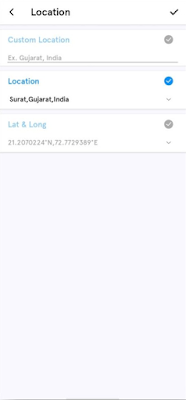
- You can add the location as the
stamp into the image in the various form:-
- First Custom location, here you can manually add the location whichever is required by you.
- Secondly, you can add the current location as a stamp on the image.
• Thirdly, you can even add the latitude and longitude as a stamp on the image.
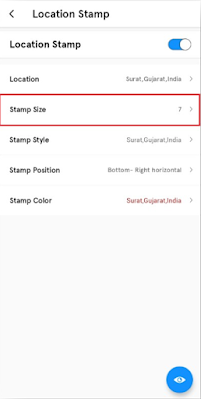
Step6) By selecting Stamp size you can change the size of the Location stamp as per your requirement.
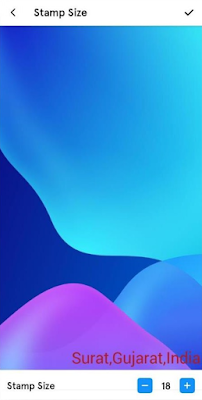
The various stamp sizes are available here and the minimum size of the stamp should be 1and the maximum could 99.
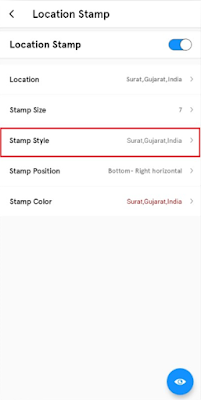
Step 7) By clicking on Stamp Style you can change the style in various formats of Location stamp as per your requirements.
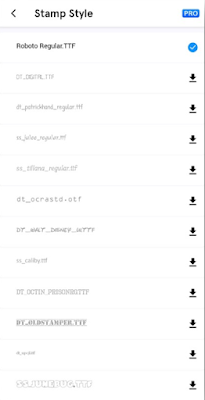
Various Stamp Styles available in this application are mentioned above.
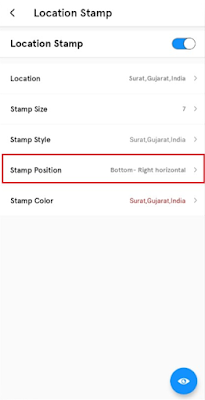
Step 8) By selecting the stamp position you can set the Location stamp at any position in the image.
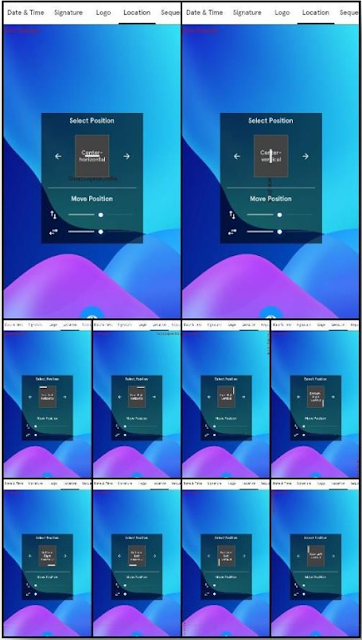
There are a total of 10 Location stamp positions are available which can be selected by us as per requirements. And can make them look outstanding.

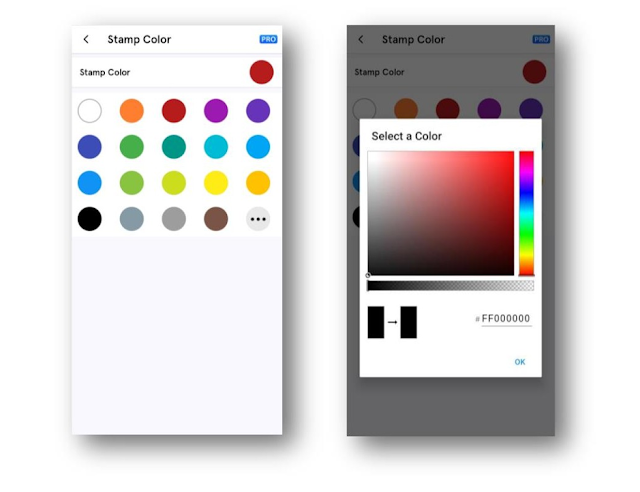
Step 9) On selecting the Location stamp color you can change the colors of the Location stamp as per your requirements.
You Can select the Location stamp color using an either color chart.
Or can customize the color using a color panel.
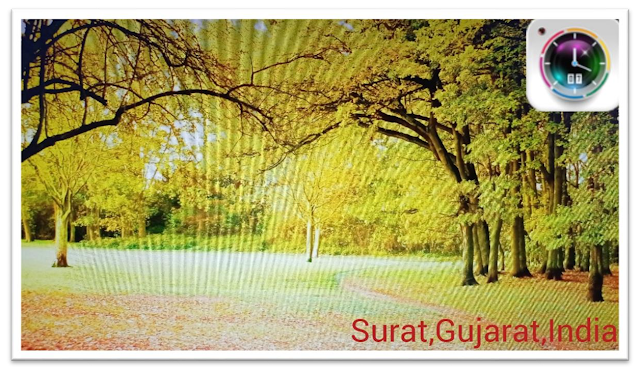
This is how one can easily add the location on the images as a stamp into those images. Adding a location stamp into the images helps in memorizing those images by using a location stamp.

To Know More About Us.


