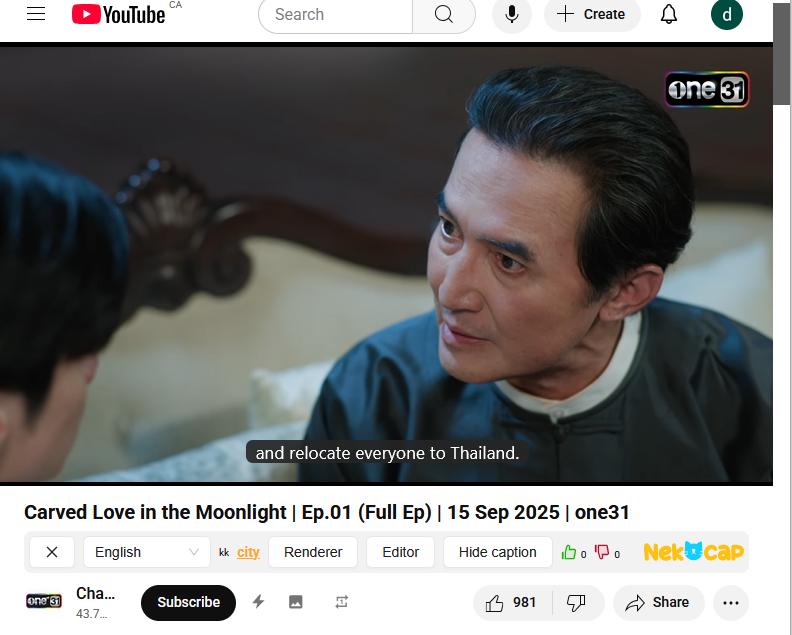
Step 1: Go to NekoCap.com
Step 2: Install extension for your browser (Chrome or Firefox) by clicking the icon and following the instructions.
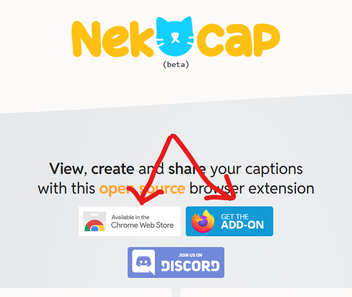
Step 3: Pin your newly installed extension to your toolbar (if not already).
Jigsaw icon > gear icon > pin to toolbar (I'm using firefox)
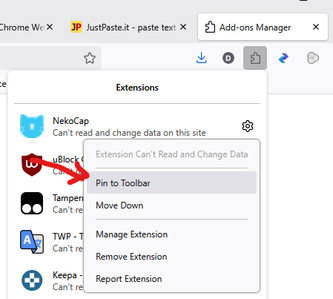
Step 4: Go to YouTube video. You should see NekoCap tool bar under the video. If you don't see it, you need to enable it by right-clicking on NekoCap icon and checking "Always Allow on www.youtube.com"
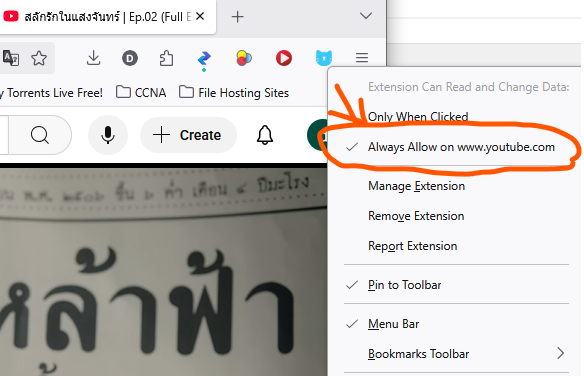
Step 5: select the subtitle language from the drop-down menu. Default is English.
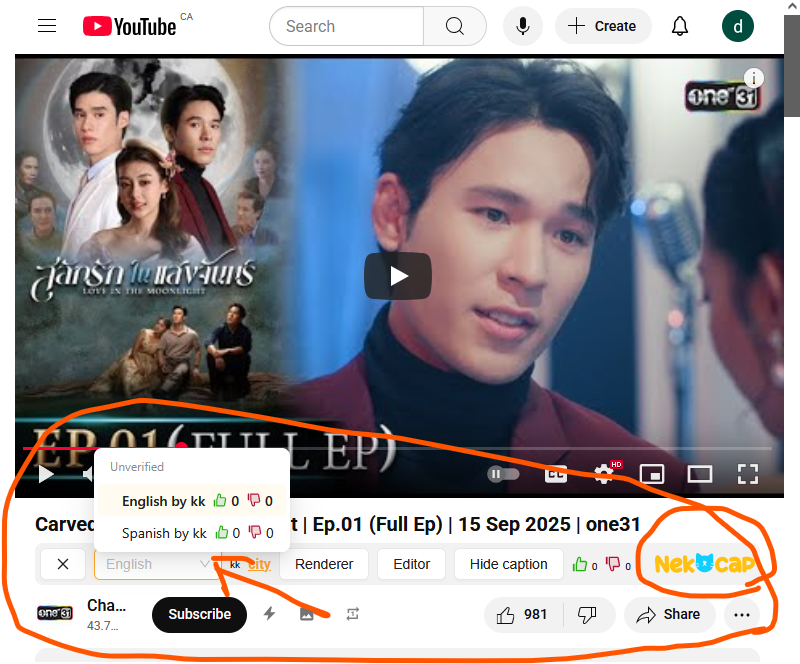
Step 6: Enjoy your subtitle