**Instructions for ANDROID**
Click below to download !

extract your downloaded file first in your sdcard before you proceed
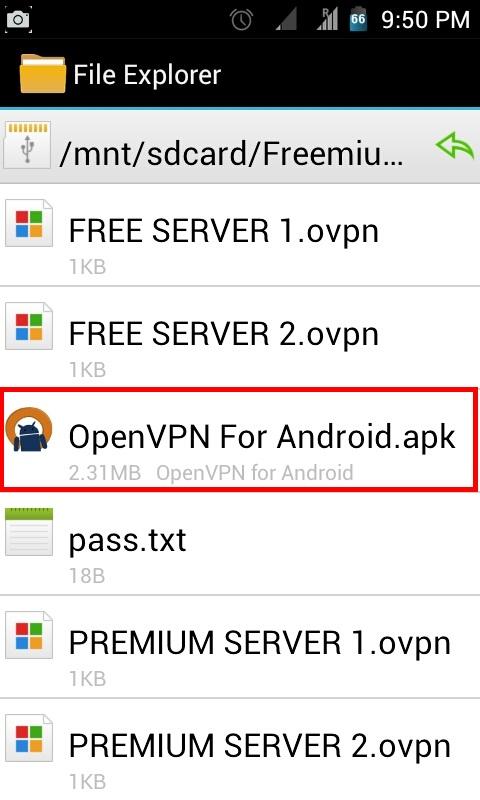
Install OpenVPN For Android.apk first, when you're redirected to the settings just click "Install Unknown Sources" to proceed installation
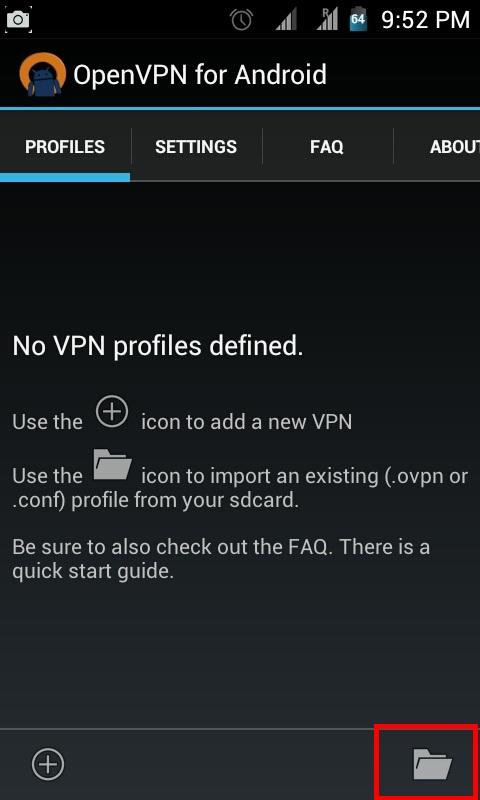
Press Import
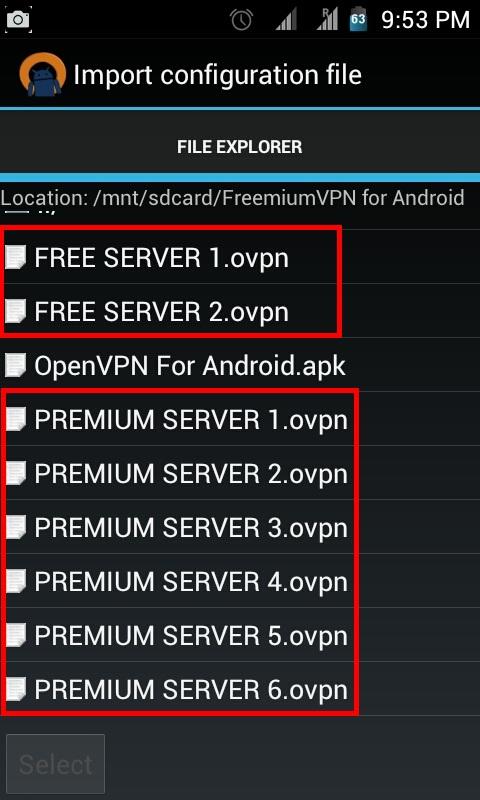
Import any .ovpn files, you will repeat these steps later
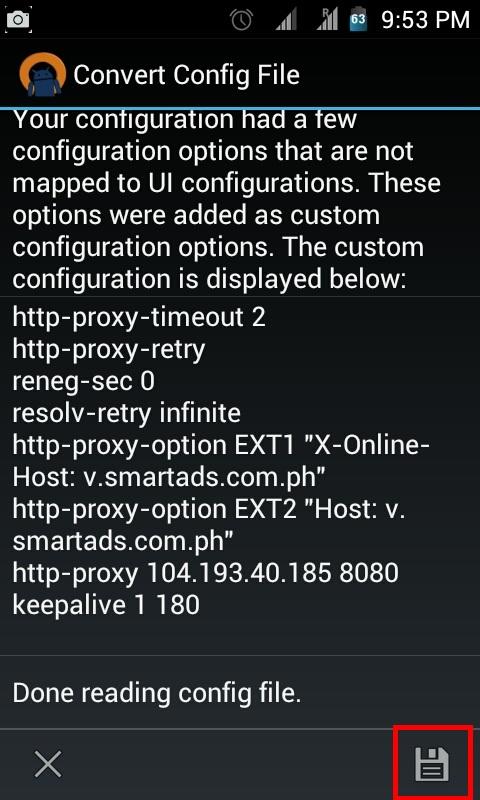
Click Save
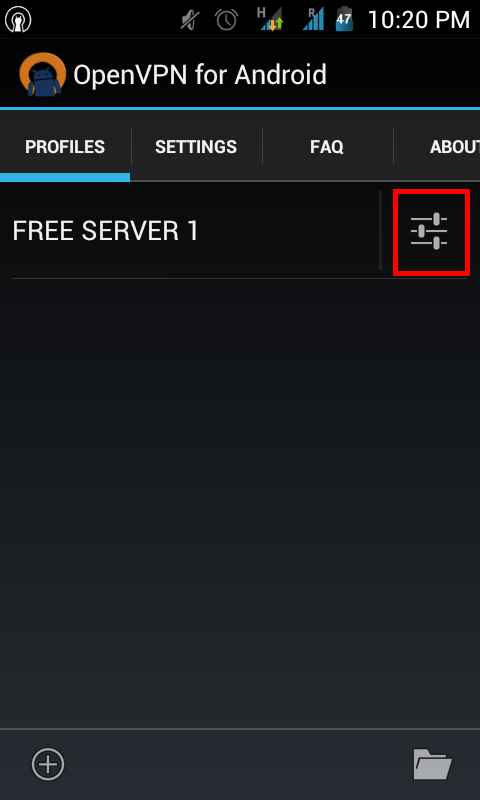
click settings for the server
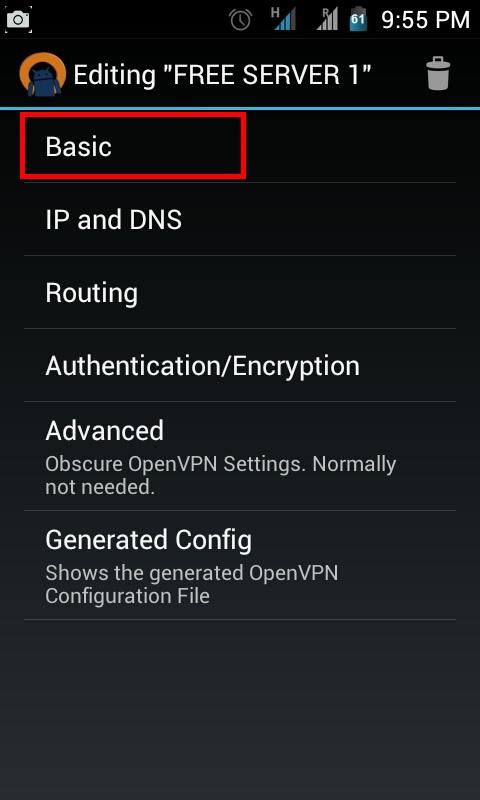
click basic
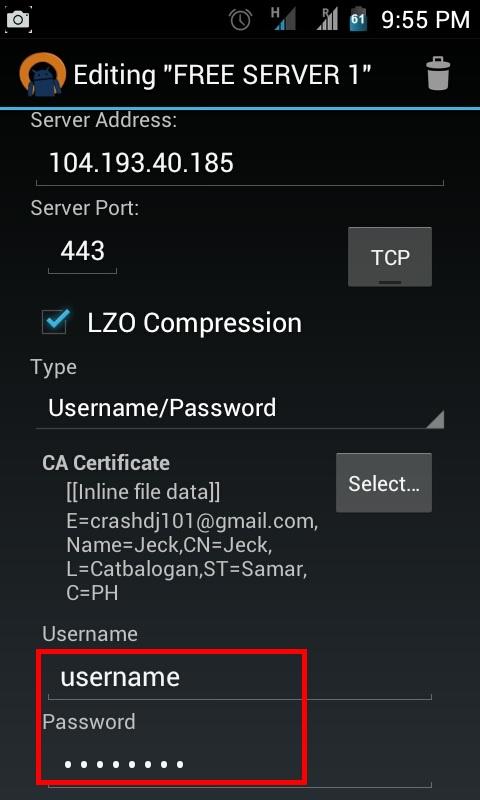
dont touch anything except username and password for your account
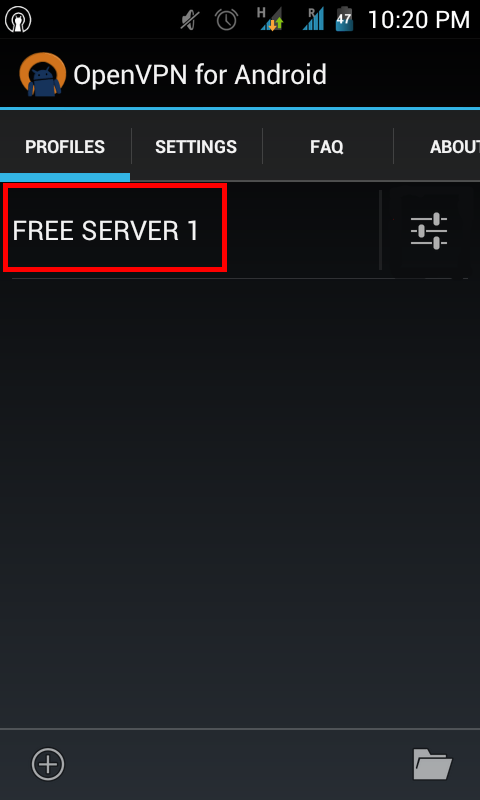
click the server to connect, wait until you're connected !
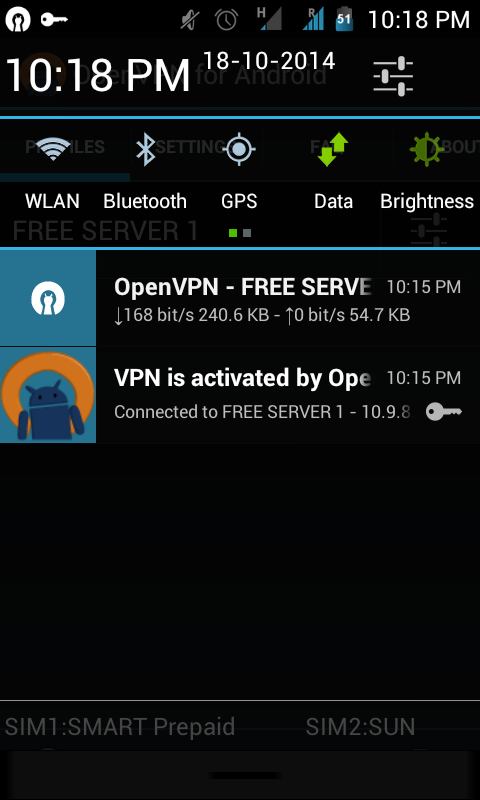
FINALLY this is a sample screen if you're already connected !